- Studio
- Video editing
Phone clips in. Videos you'd post, out.
Upload what you filmed. The Studio cuts the ums and restarts, keeps your best take, adds captions and spells your brand words right. Then you check it.
Signup opens soon. Get on the list and I'll email you when it does.
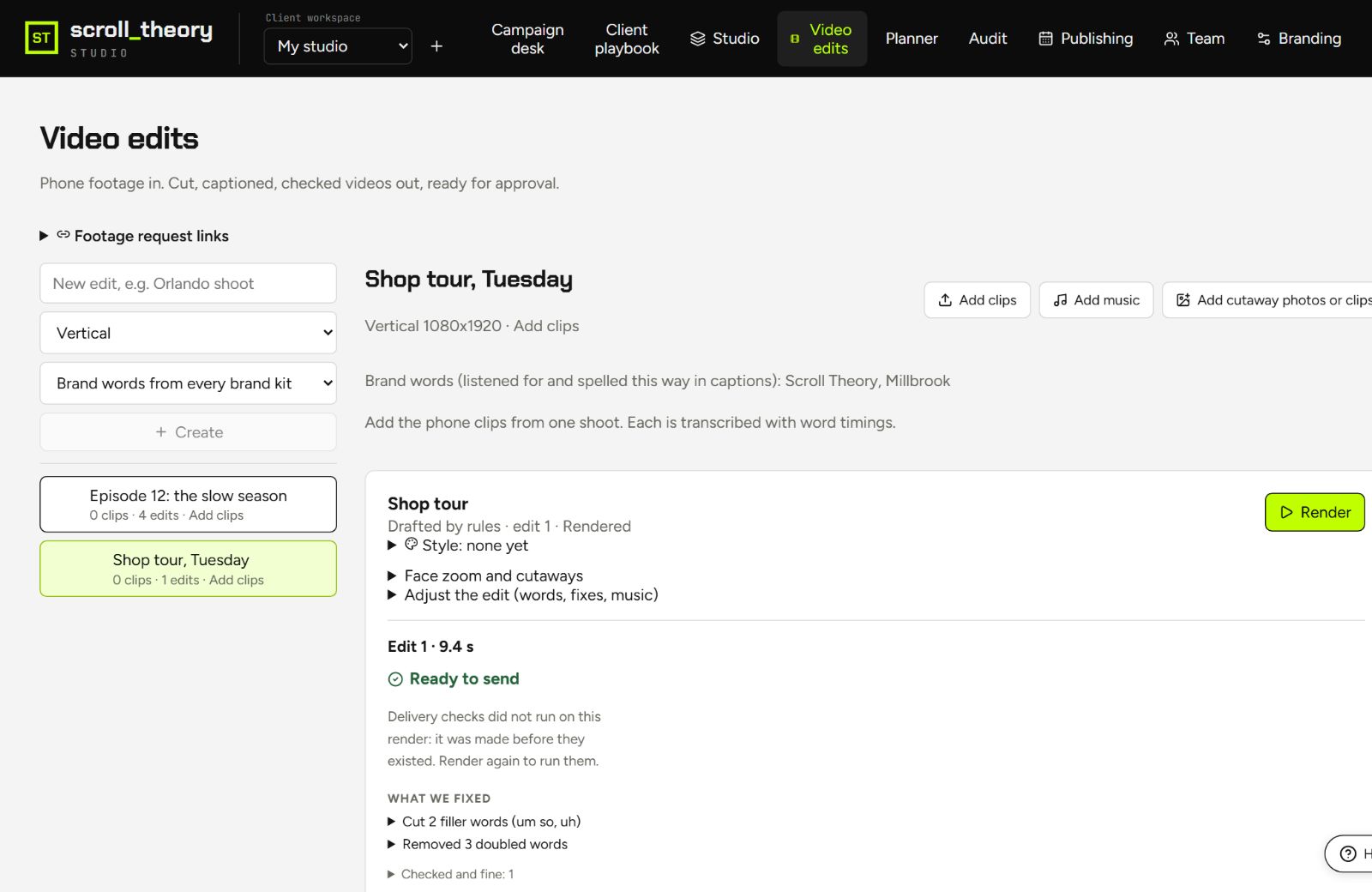
Two ways to cut
Free cuts, or tell it what you want.
Free cuts
Fillers, false starts and long pauses come out. The last clean take stays. Captions go on. No credits used.
AI edits with your instructions
Hand it several clips and say what you want, like "keep it under 45 seconds and open with the price". It makes one video from them. Uses credits.
The review
You see every cut.
"What we fixed" lists every cut, with a button to put it back. "What needs you" lists the few spots worth a listen, like a word the captions weren't sure about.
- Put it back on any cut
- Loosen or tighten a cut that feels off
- Fix a caption right there
- Checks on every finished video: sound level, caption timing and more, before you send it
Not locked in
Finish it in your own editor if you want.
Every edit exports as a project for Premiere Pro, DaVinci Resolve and Final Cut Pro, with the captions file and a cut list. Your footage and your edits are yours to download.
- Premiere Pro project file
- DaVinci Resolve and Final Cut Pro project file
- Captions as an SRT file
- Cut list and the media, in one download
Also in the Studio
Same login, same price.
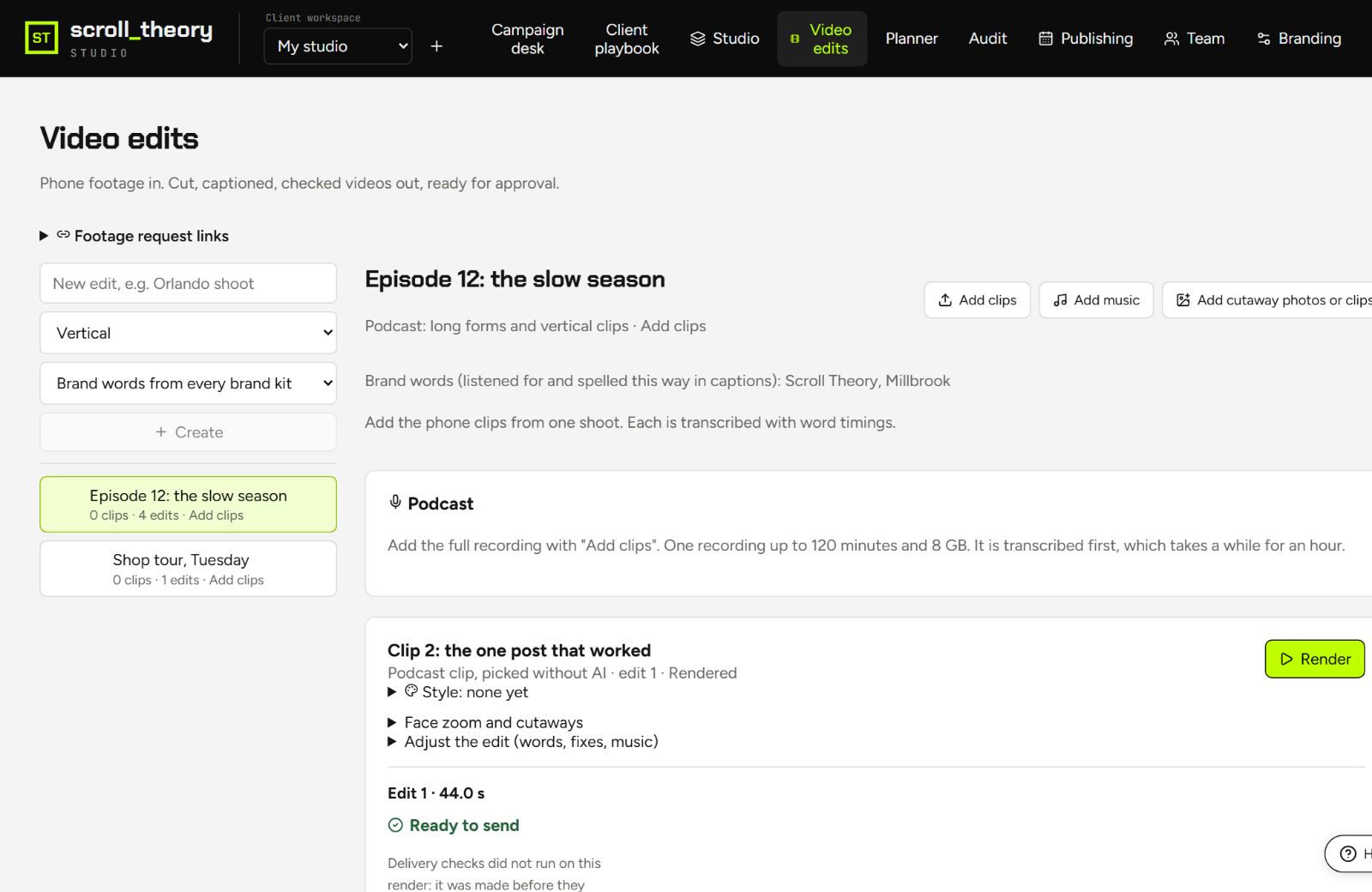
Podcast clips
One episode in: the full edit, plus short clips with captions and name cards.
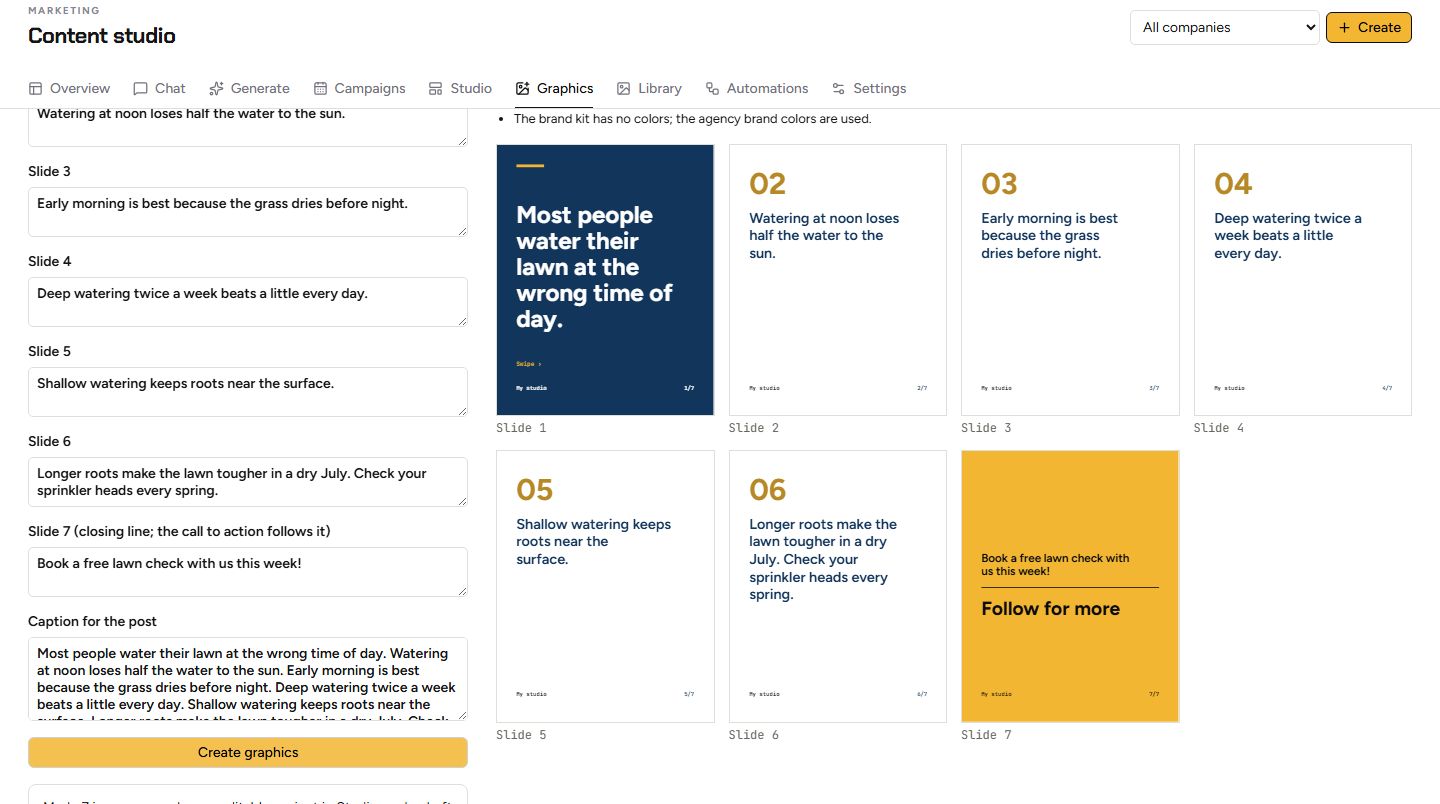
Posts in your voice
Captions, posts and branded graphics written the way you talk.
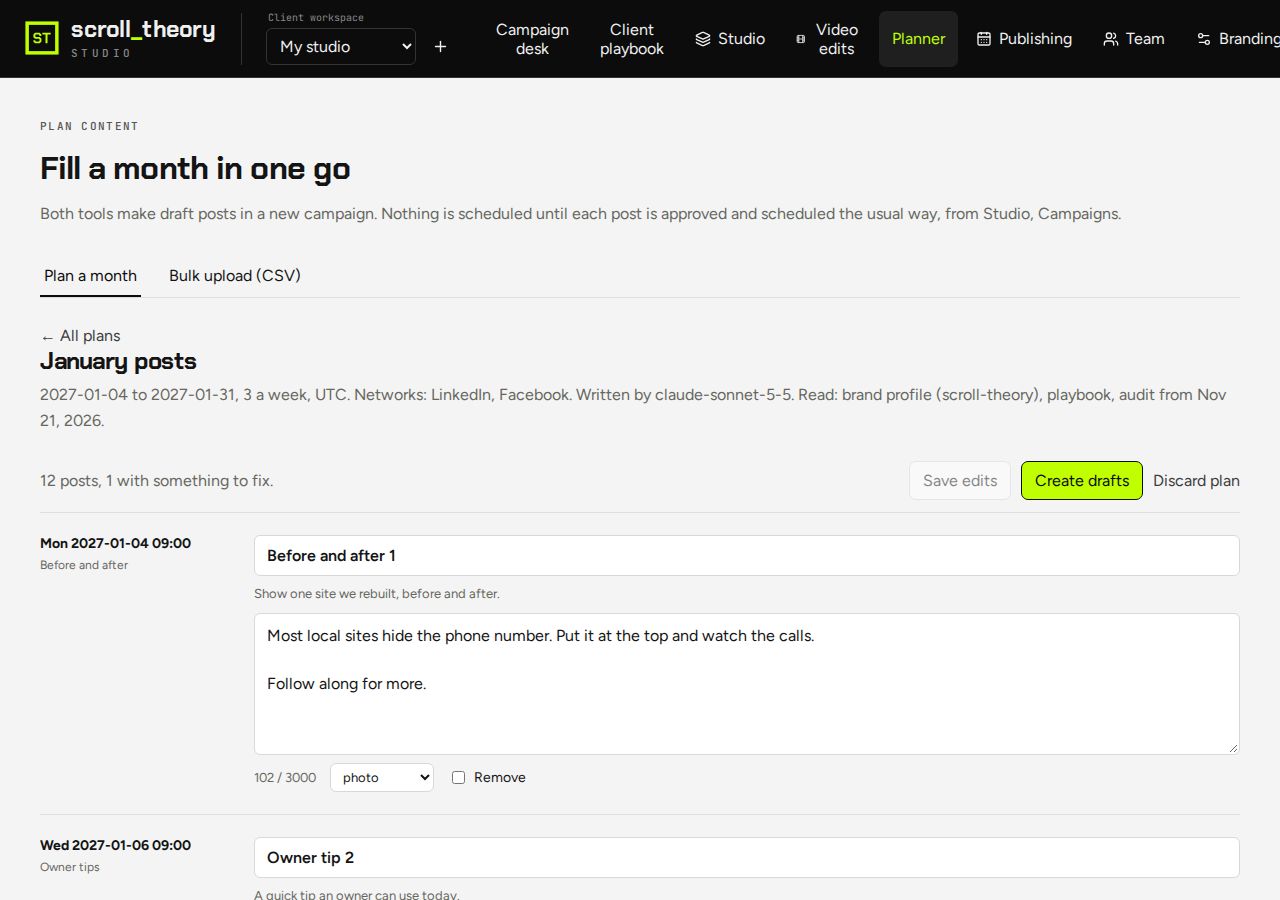
Planner and posting
A month of posts from one brief. Posting to your accounts is coming soon.
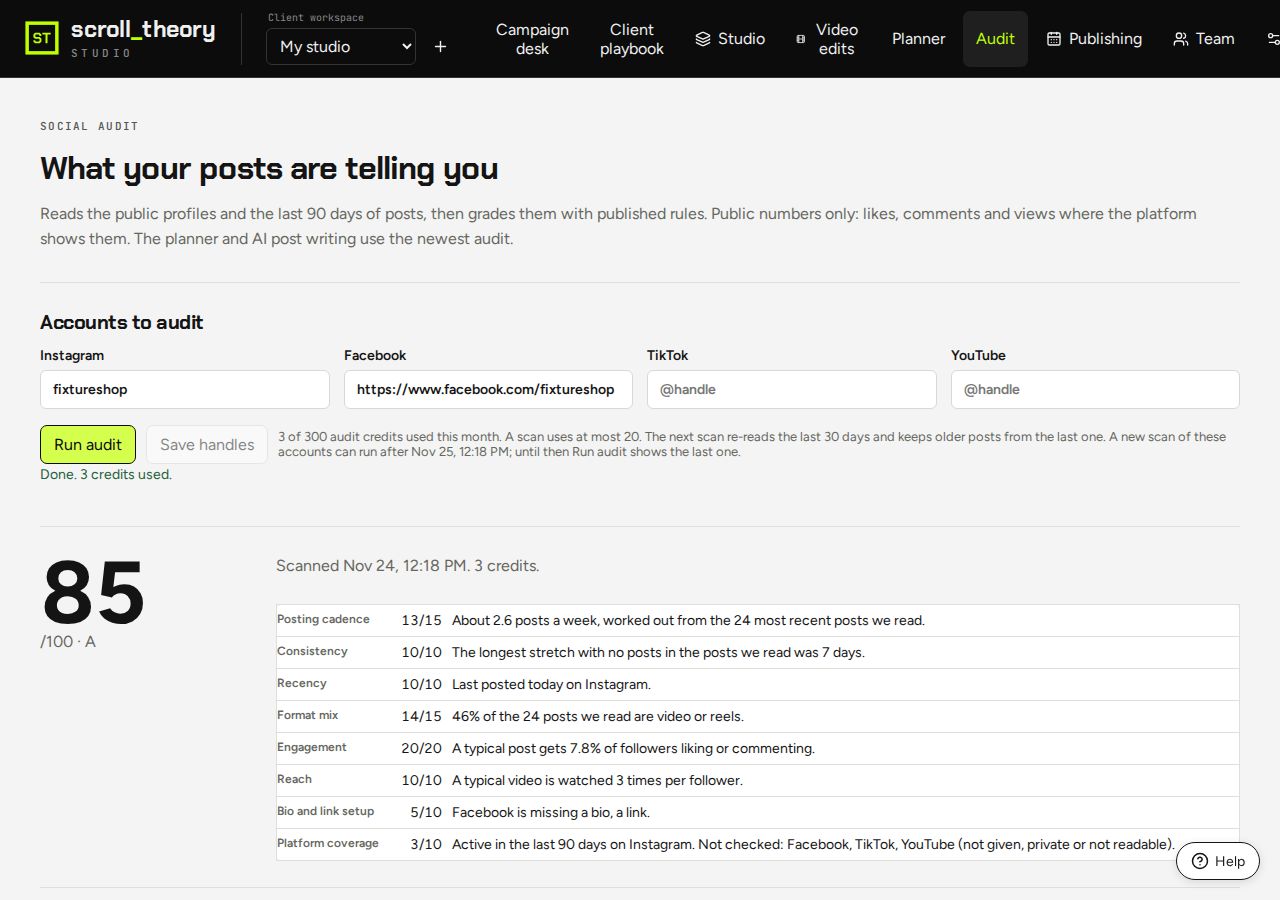
Social audit
Reads your public profiles and tells you what's working and what isn't.
The early list
Signup opens soon.
Leave your name and email and I'll tell you the day it opens. That's the only email you'll get from this list until then.
Questions now? chad@scrolltheory.media